



Skip to content
Eduardo CastellanoAI Engineer

For agents, brokerages and developers

Photos, labeled virtual staging, videos, property pages and lead follow-up.

  • Visualizations always labeled
  • Only details you approve
  • English and Spanish
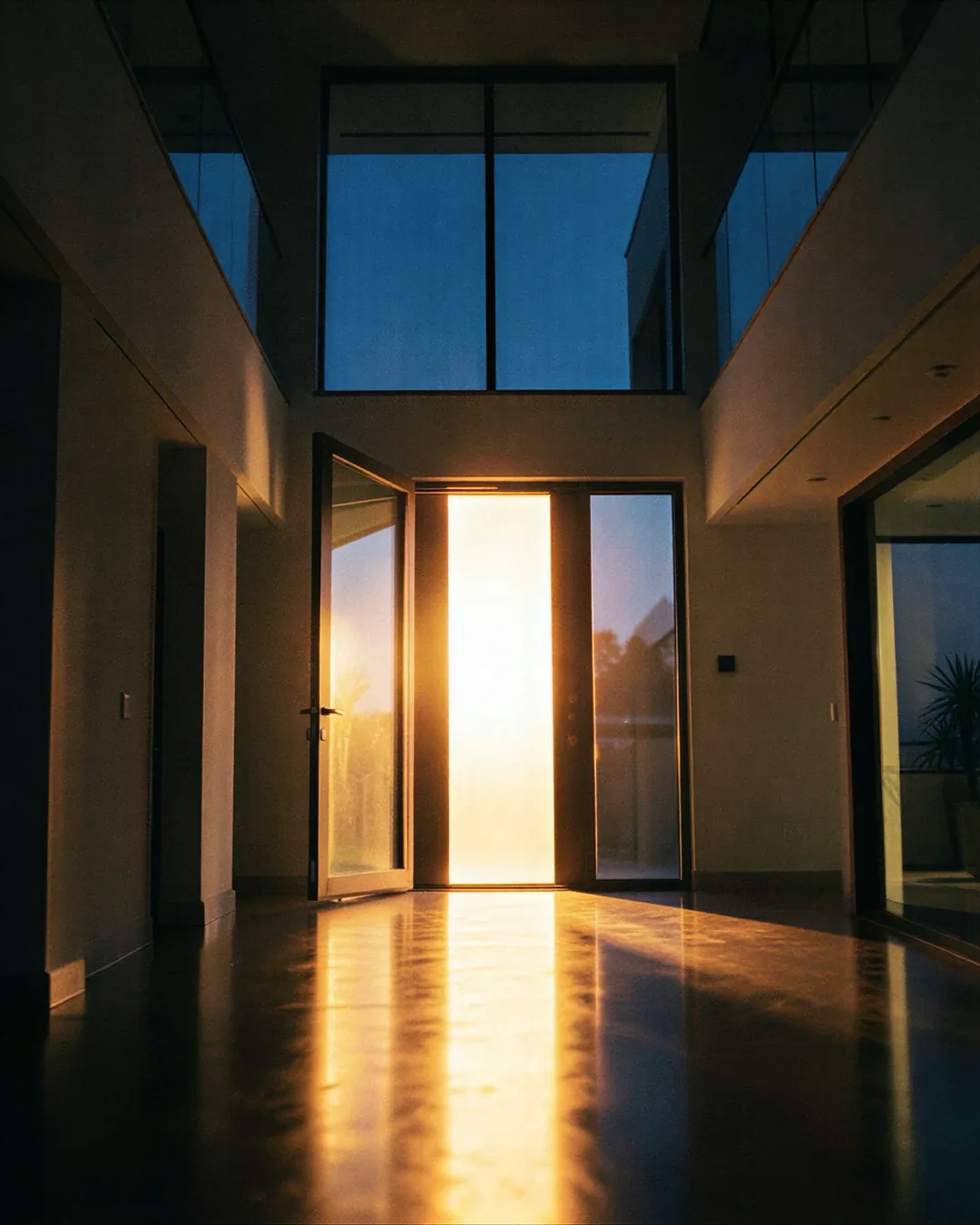
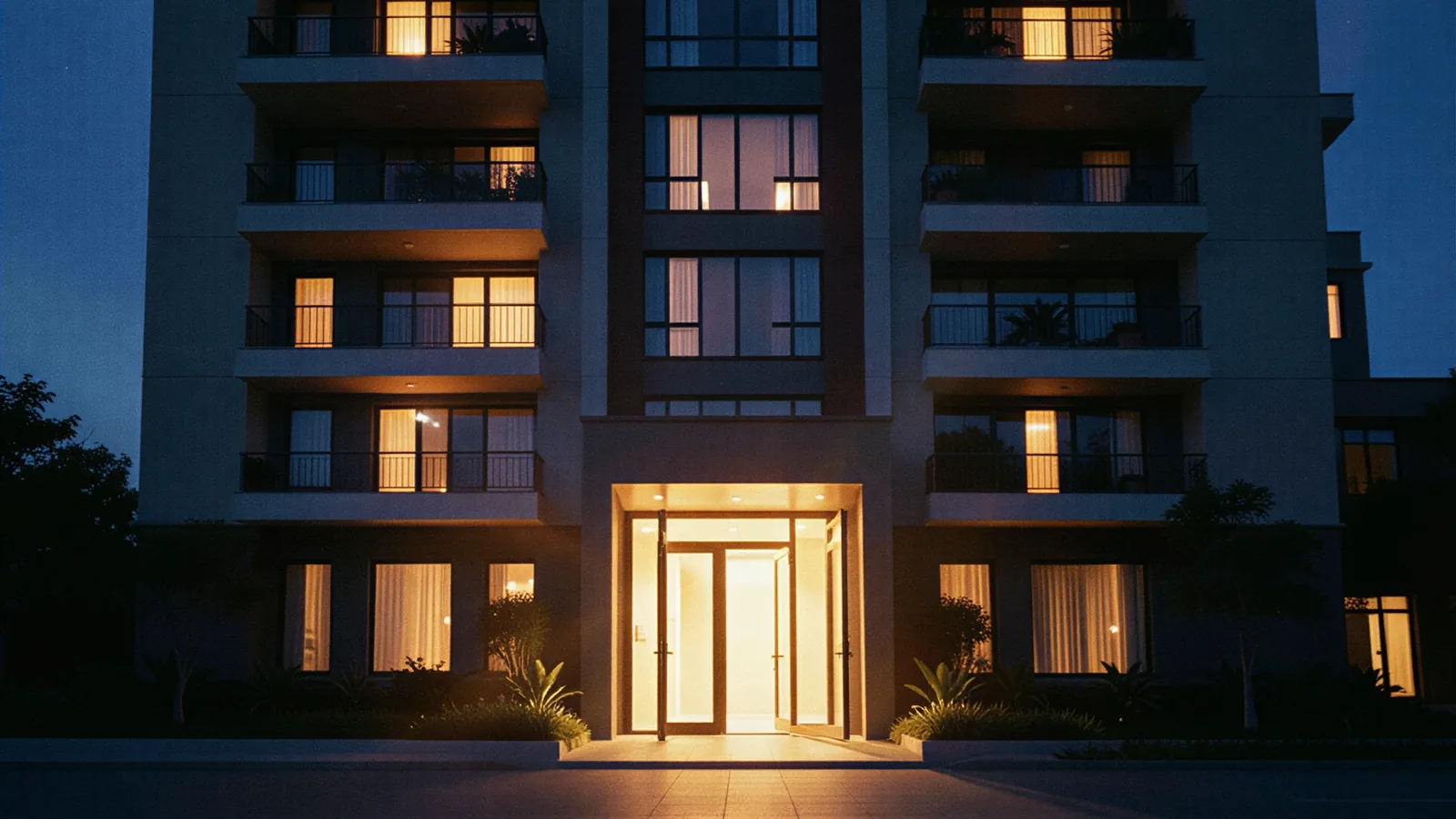
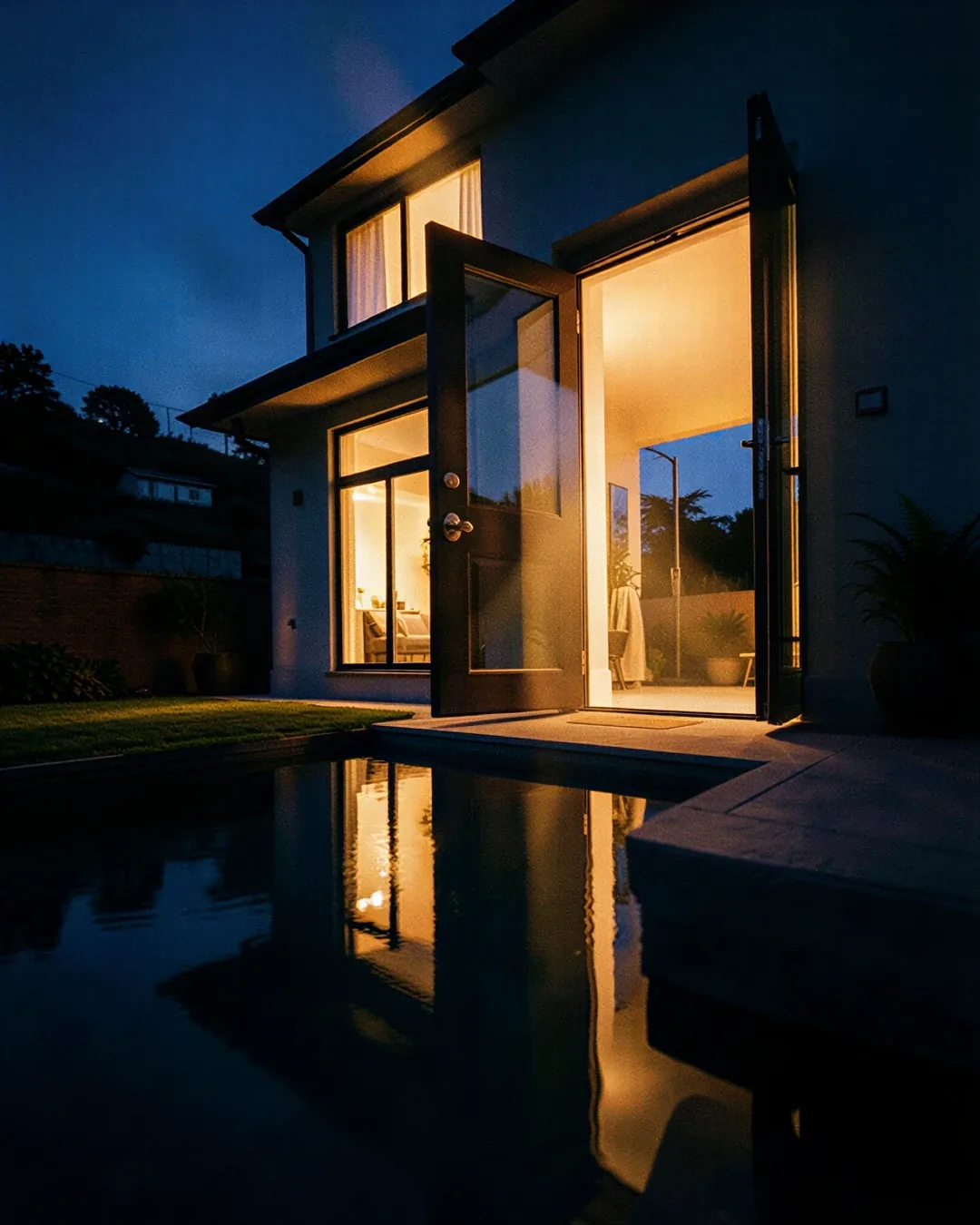
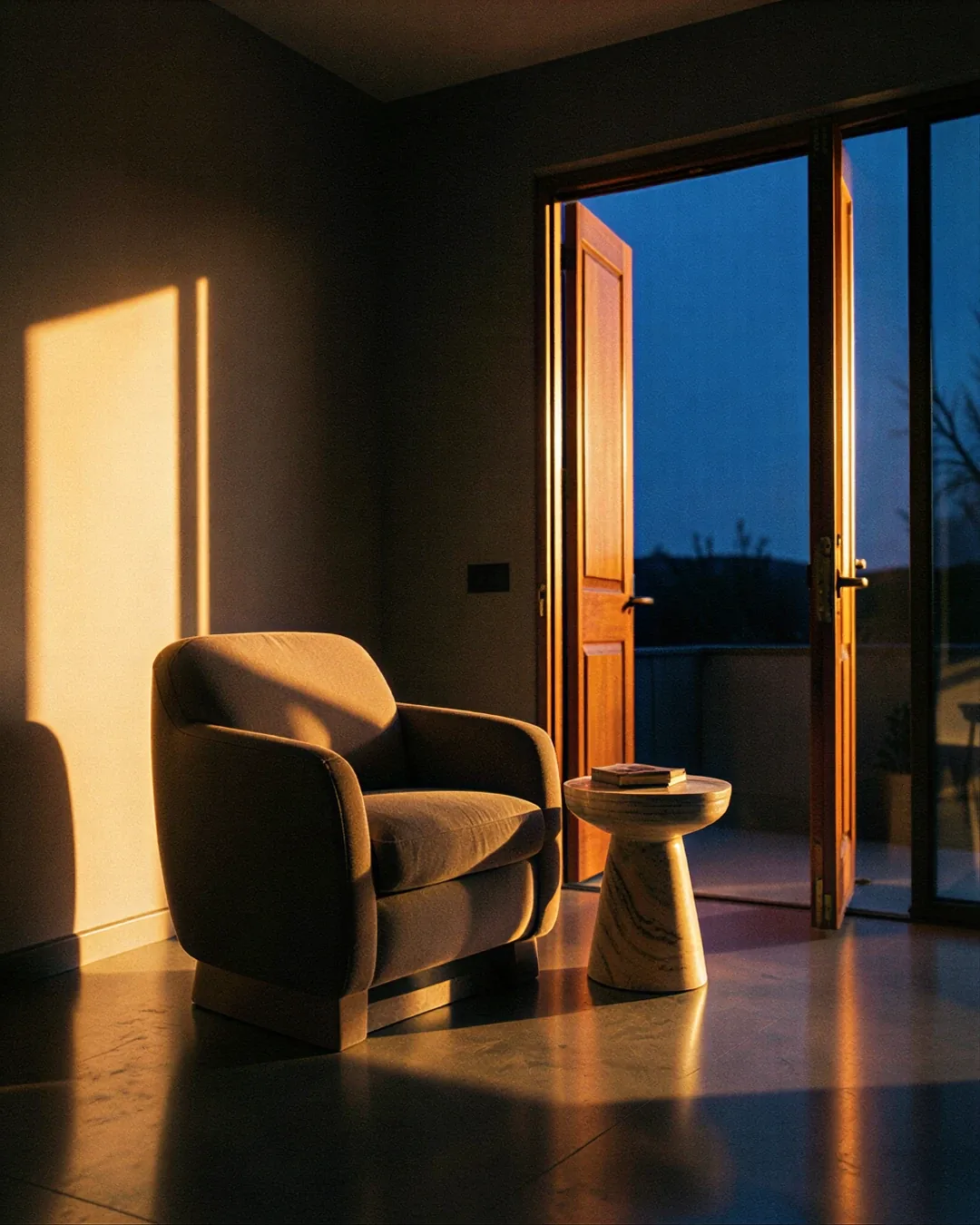
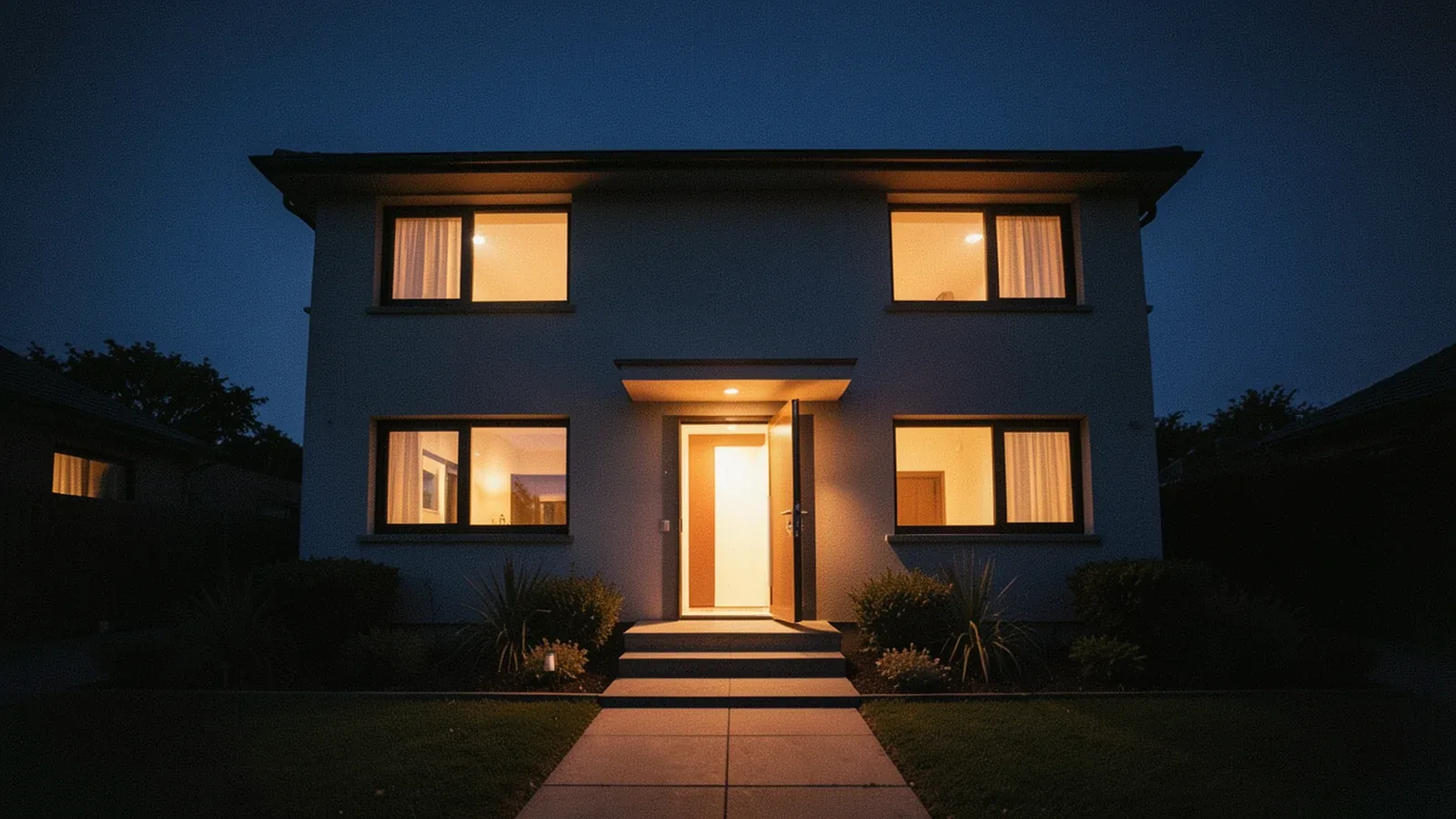
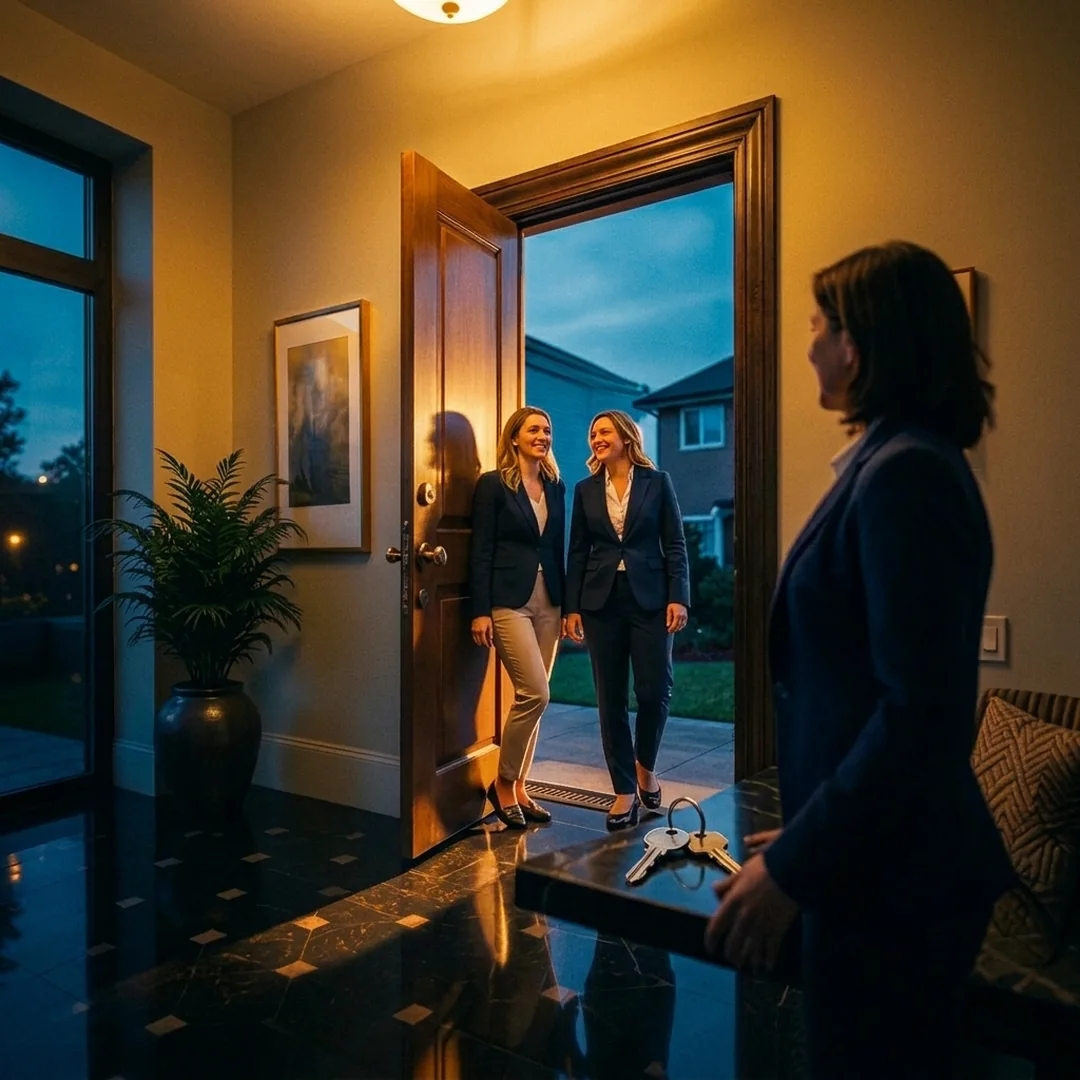
Illustrative example · AI-generated image

Illustrative example · sample listing

Oak Street Home

3 bd2 ba1,560 sq ft

Photos · enhancedStaging · labeled
Eduardo

What I prepare for each property

People decide from the listing. They want to see the home as it is, and know what is real.

Negotiable price: tell me what you need and I’ll quote you. I deliver fast and in volume.

Captured · real

What the property is

Visualization · labeled

What it could look like

Virtual staging, furniture removal, concept finishes, renders, animated walkthroughs and concept videos. Each one carries its label, and you keep the original.

  1. 01Photos and visuals
  2. 02Floor plans and real tours
  3. 03Pages, brochures and websites
  4. 04Leads, campaigns and visits
  5. 05Portfolio and operations

01 · Photos and visuals

I enhance your real photos and label everything virtual.

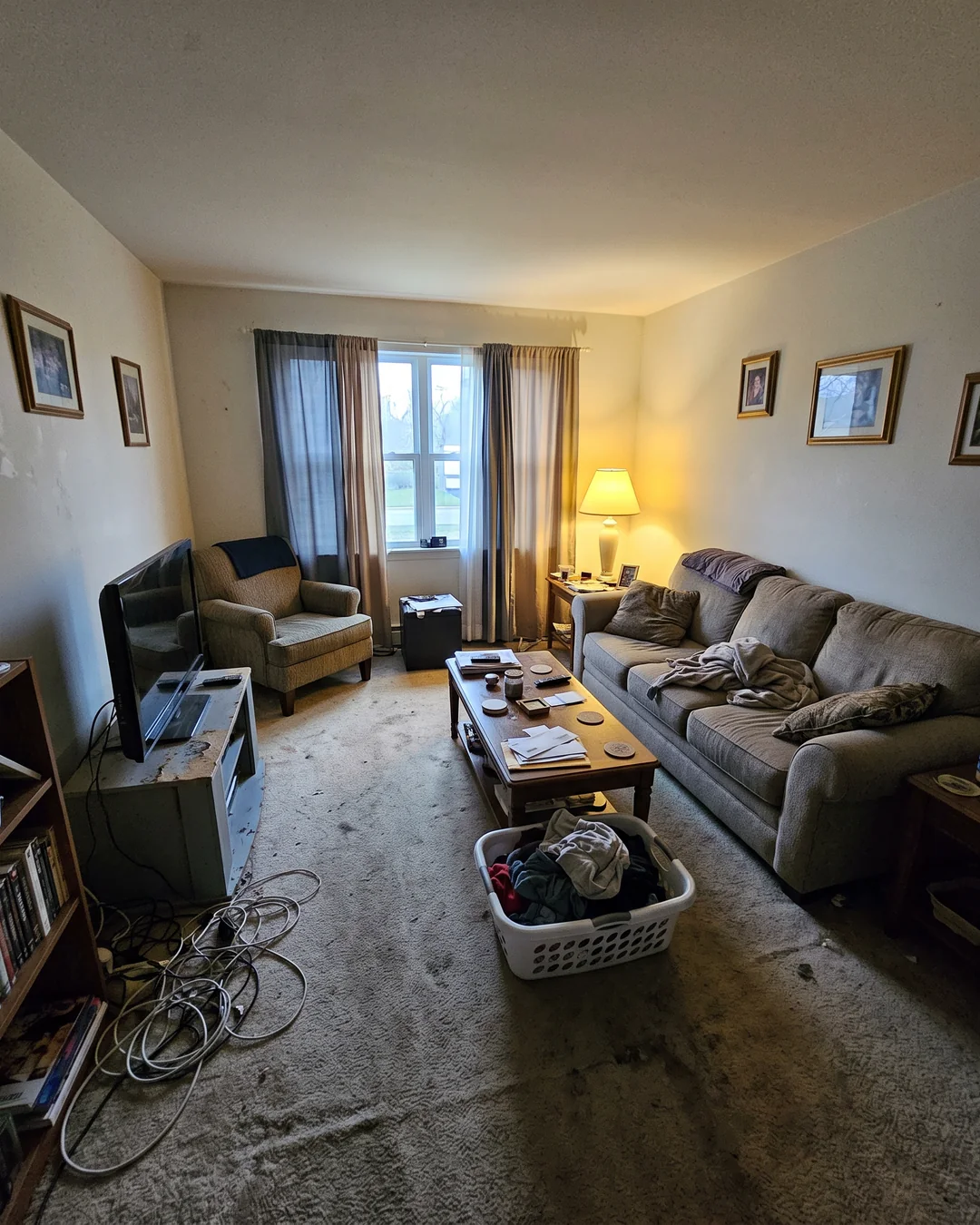
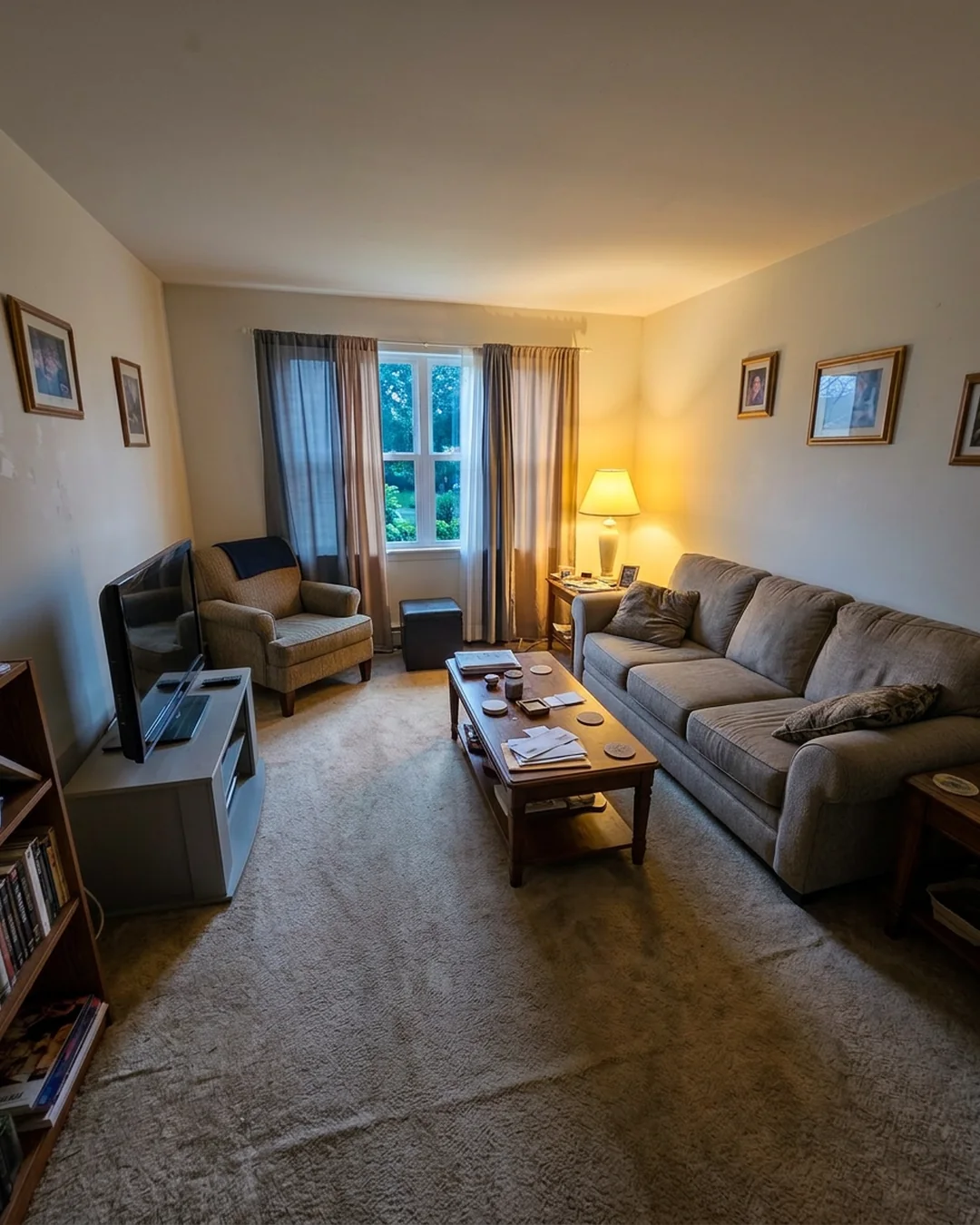
  • BeforeDark, tilted phone photos and empty rooms that are hard to picture.
  • AfterCorrected light and framing, staging that says it is staging, and the original kept.
  • Light, color and framing are corrected; defects are never hidden and walls, windows and size stay the same.
  • Staging, renders and concept finishes carry their label, and you receive the original photo.

Eduardo presents

Illustrative example · choose a step

Photos and virtual stagingYour real photos, improved; anything virtual, always labeled.4 options
Real photo enhancement20 photos from your property materialLight, color and framing corrected without hiding defects or changing what the property is.Order / Negotiate No account: by email
Virtual stagingOne room with two optionsLabeled as virtually staged; you also get the original photo.Order / Negotiate No account: by email
Virtual furniture removalOne room from its original photoThe image says it was edited; walls, windows and size stay the same.Order / Negotiate No account: by email
Concept finishesOne room with 3 finish optionsShows how it could look; labeled as a proposal, not its current state.Order / Negotiate No account: by email
Renders and 3D modelsFor what isn't built yet, or doesn't look that way yet.6 options
Exterior render4 views from the 3D model you provideQuoted after reviewing the model, measurements and design. A marketing visualization, not a construction plan.Order / Negotiate No account: by email
Interior render4 views of one modeled roomQuoted once detail level, furniture and fidelity are defined. Labeled as a render.Order / Negotiate No account: by email
3D model for marketingOne simple volume from plans and measurementsA conceptual model for visuals, not a survey. Quoted after reviewing plans and measurements; complex geometry is quoted separately.Order / Negotiate No account: by email
CAD/BIM model viewerOne file turned into a browsable viewerQuoted by file format and size. Not a BIM certification.Order / Negotiate No account: by email
Design version comparison2 versions of one modelOrder / Negotiate No account: by email
Finish configuratorOne unit with 3 optionsOrder / Negotiate No account: by email
Property videosShort videos from your material, or labeled concept videos.4 options
Animated walkthrough30 s from a ready 3D sceneA walkthrough true to the plans needs the scene modeled and rendered, so it is quoted first. Labeled as a visualization.Order / Negotiate No account: by email
Listing video30 s from your photos or videoWith titles and voice; only verified features of the property.Order / Negotiate No account: by email
Development concept video15 s promo from rendersIdentified as a visualization; never presented as a real walkthrough.Order / Negotiate No account: by email
Property clipOne clip of up to 60 s from your materialA clip of your property, edited only from the photos or video you provide.Order / Negotiate No account: by email

02 · Floor plans and real tours

Real spaces, kept apart from visualizations.

Floor plans use the measurements you provide, 360 tours use panoramas that were actually captured, and area maps use permitted, verifiable data. I never invent a room that wasn't photographed.

  • A 3D reconstruction from photos or a digital twin needs a proper capture; it is quoted after reviewing it.
  • Listing copy and the sales document pack are written only from your details and files.

Eduardo presents

Illustrative example · choose a step

Floor plans and real toursFloor plans and tours from real measurements and captures.4 options
Marketing floor plans 2D/3DOne floor from measurements or a valid fileOrder / Negotiate No account: by email
Interactive 360 tourUp to 10 panoramas already capturedBuilt from your real captures; spaces that were not photographed are never invented.Order / Negotiate No account: by email
Digital twin or captured tourOne space from the capture you provideNeeds a 3D capture of the space and its licence; quoted first.Order / Negotiate No account: by email
3D reconstruction from photos100 photos with proper coverage and scaleA 3D model from your photos; quoted after reviewing the capture. Not a land survey.Order / Negotiate No account: by email
Listing details, area and documentsListing copy, area and documents, written from your details.3 options
Area mapOne map of nearby services and routesWith permitted map data and verifiable facts; quoted by the data licence.Order / Negotiate No account: by email
Listing sheets and copy10 bilingual listingsOrder / Negotiate No account: by email
Sales document packChecklist, sheet and summary of 10 filesOrganizes your documents for the sale; legal title is reviewed by a professional.Order / Negotiate No account: by email

03 · Pages, brochures and websites

A page for each property, live when you approve it.

  • BeforeDetails scattered across chats, portals and old PDFs.
  • AfterOne bilingual page and a brochure with the details you approved.
  • Websites go live once you approve the content and the domain and hosting are defined.
  • Development sites show units, plans and availability from the inventory you keep up to date.

Eduardo presents

Illustrative example · choose a step

Pages and brochuresOne page or brochure per property, ready to share.2 options
Property pageBilingual 5-section pageOrder / Negotiate No account: by email
Property brochure8-page PDFWith authorized details and plans; ready to send or print.Order / Negotiate No account: by email
Websites and portalsYour brokerage or development online, and your portals.3 options
Brokerage website5 pages and your starting portfolioGoes live once you approve the content and the domain and hosting are defined.Order / Negotiate No account: by email
Development websiteOne development with 10 unitsUnits, plans and availability from the real inventory you keep up to date.Order / Negotiate No account: by email
Portal syndicationOne source to one authorized portalNeeds your contract or access with the portal or MLS; quoted first.Order / Negotiate No account: by email

04 · Leads, campaigns and visits

Every inquiry gets an answer and a next step.

  • Answers with your detailsOnly what is on the approved listing.
  • Offers visit timesFrom your calendar, without double bookings.
  • Campaigns by the rulesAd spend is separate; targeting follows housing rules.

Sample conversation with made-up data. Replies, scheduling and lead rules start after checking your access on each channel; lead rules never use protected categories.

Eduardo presents

Illustrative example · choose a step

Campaigns and contentBring each property to the people who are looking.4 options
Single-property campaign3 pieces and a channel planAd spend is separate; targeting follows the housing rules that apply.Order / Negotiate No account: by email
Portfolio content12 posts from your listingsOnly available properties; posted with your permission.Order / Negotiate No account: by email
Open house kitBrochure, QR, sign-in and pageWith real details; you run the in-person event.Order / Negotiate No account: by email
Owner acquisitionProposal dossier or pagePresents your service to owners, without promising valuations or gains.Order / Negotiate No account: by email
Inquiries, visits and follow-upReply, schedule visits and follow up with every lead.4 options
Inquiry replies100 conversations of up to 5 turnsOrder / Negotiate No account: by email
Visit schedulingOne flow with 2 calendarsConfirms visits by your availability and avoids double bookings. Quoted after checking your access.Order / Negotiate No account: by email
Lead qualifying and routing100 inquiries with your rulesOrder / Negotiate No account: by email
Real estate CRMClean or import 500 contacts or propertiesWith your contacts' consent and your CRM access; quoted first.Order / Negotiate No account: by email

05 · Portfolio and operations

Your portfolio, read from your own data.

  • BeforeNo clear idea which listing needs attention.
  • AfterViews, inquiries and visits per property, with the next move.

Eduardo presentsIllustrative example

Portfolio report · OctoberExample with made-up data

AWhere inquiries come from

  • Listing portals46 %
  • Social media31 %
  • Website and referrals23 %

BYour listings

ListingViewsInquiriesVisits
Oak Street Home1,240185
Downtown condo86092
Hillside lot31030

CNext moves

  1. The condo gets views but few visits: add the floor plan and parking details.
  2. Most visits book on Saturday morning: open more slots.
  3. The lot needs an area map before the next campaign.
Reports and marketReports and context from data you connect or authorize.2 options
Portfolio report3 sources: views, inquiries and visitsFrom the data you connect; comparisons are limited to what is available.Order / Negotiate No account: by email
Market comparables10 properties from authorized sourcesOrder / Negotiate No account: by email
Portfolio operationsYour portfolio's day-to-day work, approved by people.4 options
Automatic listing updatesFrom your CRM status to your site and channelOrder / Negotiate No account: by email
Owner and buyer portalOne module with 2 rolesPermissions per user and per file; quoted first.Order / Negotiate No account: by email
Rentals and follow-up10 units with status and tasksOrder / Negotiate No account: by email
Maintenance requests20 requests with contractor follow-upOrder / Negotiate No account: by email
Website careYour website monitored, patched and backed up.1 option
Website careOne site for 30 days: monitoring, patches and backupOrder / Negotiate No account: by email

How it works

You decide each step. You receive everything by property.

  1. 01 · You ask

    Tell me about the property

  2. 02 · I make it

    Choose with a clear estimate

    Review the preview Every visualization sits next to its original. Ask for adjustments in the same project.

  3. 03 · You get it ready

    Approve and receive

    Files grouped by property: photos, video, floor plan, tour, page and brochure.

    Oak Street HomeDelivery · illustrative example
    • 20 enhanced photosReal photoApproved
    • Virtual staging · living roomVisualizationOriginal includedIn review
    • Clip of up to 60 sFrom your photos and videoApproved
    • Floor planFrom your measurementsApproved

    Example screen. Statuses and names are made up.

How we present properties

Honest listings, always.

  • Visualizations carry their labelVirtual staging, furniture removal, finishes, renders and concept videos are labeled, and you get the original.
  • Edits don't change the propertyDefects are not hidden; walls, windows and size stay the same.
  • Professional decisions stay with professionalsValuations, legal title and financing are reviewed by licensed professionals and by you.

Before you decide

Frequently asked questions

How do you label virtual staging and renders?
Each image carries its label (virtually staged, edited photo or render) and is delivered next to the original. Captured tours and enhanced photos are kept separate from visualizations.
What do I need to provide?
The property's real details and material: photos or video for enhancement, staging and listing videos; panoramas for tours; measurements or plans for floor plans; a 3D model for renders. Phone photos work for many services.
Can you publish to portals or my MLS?
Yes, when you have a contract or access with that portal or MLS. Websites and pages go live only after you approve them.
Do you use AI?
Yes, and AI-generated content is labeled. The images on this page are illustrative examples.
We're a developer with many units.
The development website covers one development with 10 units; larger inventories get a scope tailored to you. Write to me.
Request a proposal

Order it and we agree on the price.

Negotiable price: tell me what you need and I’ll quote you. I deliver fast and in volume.